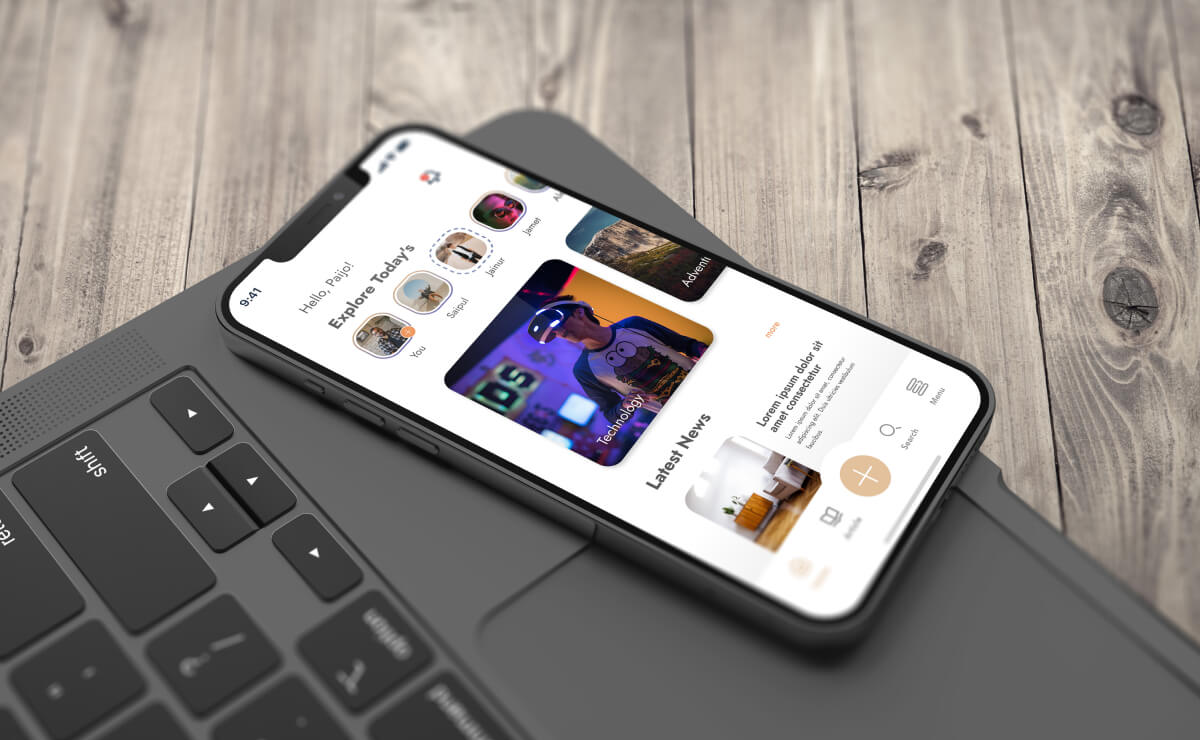
A beautifully designed website or application that frustrates users is not beautiful at all. It is a liability. Poor UX/UI design costs businesses in ways that compound quietly over time. In the short term, it results in higher bounce rates, lower conversion rates, and reduced session depth. Over time, it erodes brand trust, harms search rankings, and widens the gap between a business and competitors whose products users actually enjoy using.
The data behind this is well established and striking in its scale:
- 88% of online consumers are less likely to return to a site after a bad experience. [Source: Baymard Institute]
- Every $1 invested in UX design delivers up to $100 in return, a 9,900% ROI. [Source: Forrester Research via Baymard Institute]
- A well-designed user interface can increase conversion rates by up to 200%, and a robust UX strategy can raise that to 400%. [Source: Forrester Research via Baymard Institute]
- 32% of customers will leave a brand they loved after just one bad experience. [Source: PwC, Future of Customer Experience Report]
- Design-driven companies outperformed the S&P 500 by 228% over a 10 year period. [Source: Design Management Institute, Design Value Index]
- Top quartile design-driven companies saw 32% higher revenue growth and 56% higher total returns to shareholders. [Source: McKinsey, The Business Value of Design]
- 94% of first impressions on a website are directly design-related. [Source: ResearchGate via WebFX]
- Users form an opinion about a webpage in as little as 50 milliseconds, before a single word is read. [Source: Lindgaard et al. via Think With Google]
- Mobile users are 5 times more likely to abandon a task if a website is not optimised for mobile. [Source: Baymard Institute]
- 53% of mobile visitors leave a page that takes more than 3 seconds to load. [Source: Google / Think With Google]
- 70% of online businesses that fail do so because of bad usability, not poor products. [Source: Uxeria via TrueList]
- $260 billion in lost ecommerce orders is recoverable solely through better checkout flow and design. [Source: Baymard Institute, Cart Abandonment Research]
These are not abstract benchmarks. They represent real users abandoning real products, real revenue left uncaptured, and real brand trust eroded by avoidable mistakes.
This ultimate guide covers the UX/UI mistakes with the greatest commercial impact, along with the fixes that actually resolve them. These are grounded in enduring principles of how people interact with digital interfaces. They will remain relevant regardless of what design tools, frameworks, or platforms emerge next.
The Real Cost of Poor UX/UI Design
Baymard Institute has conducted over 200,000 hours of UX research. Their findings are consistent: optimising checkout design alone could recover $260 billion in lost ecommerce revenue globally. That figure applies to a single stage of a single user journey. The aggregate cost of poor design across entire digital products is orders of magnitude larger.
For businesses investing in web development or mobile app development, understanding these failure modes is not a design concern. It is a business performance concern. Google’s algorithm uses user experience signals, including Core Web Vitals, as direct ranking factors, meaning poor UX has both direct revenue impacts and compounding SEO consequences.
With that context established, here are the mistakes that matter most.
1. Aesthetics Over Usability and Illegible Typography
The most common design failure is prioritising how something looks over how well it works. A striking interface that confuses users is worse than a plainer one that communicates clearly. This mistake surfaces in complex layouts, ambiguous interactions, and transitions that slow users down. It is compounded when typography makes content difficult to read. Illegible fonts, poor contrast, and cramped spacing drive users away before they have absorbed a single word, and on service or product pages, that directly costs conversions.
Good design is not what earns admiration. It is what lets a first-time visitor immediately understand what to do next, without instruction.
The Fix: Test every design decision against one question: Does this make the user’s task easier or harder? Use a minimum body font size of 16px, line height between 1.4 and 1.8, and ensure all text meets WCAG 2.1 AA contrast standards. Run usability tests with real users at every meaningful stage.
Our web design team consistently identifies typography and usability failures as the first issues costing clients engagement and conversions.
2. Cluttered Interfaces and Feature Overload
Hick’s Law states that more choices lead to longer decision-making and greater abandonment. Cluttered pages with competing calls to action, dense text, and multiple navigation patterns overwhelm users. Instead of exploring, they leave. Users scan for one clear signal telling them what to do next. When that signal is absent, so are they.
The Fix: Audit every element on every page. Remove anything that does not serve the user’s task at that stage. Apply one primary action per section, with secondary actions clearly subordinate. White space is not emptiness. It is direction.
3. Desktop First Design in a Mobile First World
Since Google completed mobile-first indexing, the mobile version of your website determines search rankings across all devices. Designing desktop first and adapting down is designing for the minority use case while creating an SEO liability. Mobile accounts for over 57% of global web traffic, 53% of mobile visitors abandon pages that take more than 3 seconds to load, and mobile users are 5 times more likely to abandon a task on a non-optimised site.
The Fix: Design mobile first from the first wireframe. Touch targets must be at least 44×44 pixels. Navigation must be built for thumbs, not cursors. Test on mid-range devices with variable network connections, not high-specification hardware.
Our iOS and Android development teams apply this discipline from day one, because retrofitting mobile UX is consistently more costly than building it correctly from the start.
4. Intrusive Popups and Missing System Feedback
Two opposite errors cause equal damage. Aggressive popups triggered immediately on page load interrupt users before they have engaged, signal poor intent, and have attracted Google penalties on mobile since 2017. At the other extreme, interfaces that give no response when users submit forms, click buttons, or complete actions leave users disoriented and likely to abandon. Jakob Nielsen identified system feedback as a foundational usability heuristic in 1994. It remains one of the most frequently violated.
The Fix: Trigger popups only after demonstrated engagement, at 60 to 70% scroll depth or after 30 seconds on page. Every user action must receive an immediate, clear visual response. Error messages must be specific: ‘Your session has timed out. Please log in again’ is an error message. ‘Something went wrong’ is not.
5. Inconsistent Design and Excessive Animation
Inconsistency in fonts, colours, spacing, and interaction patterns forces users to relearn your product at every turn. Each variation is a micro decision. Accumulated micro-decisions create cognitive fatigue, leading to disengagement. With design systems now standard practice, inconsistency has become harder to justify and easier for users to notice. Animation, when overused, compounds the problem: it slows performance, creates distractions, and, in the context of Google’s Core Web Vitals, layout-shifting animations directly degrade CLS scores, which is a live ranking signal.
The Fix: Build a design system covering your colour palette, typography scale, spacing, and component library. Apply it without exception across every product update. Use animation only with clear intent: to guide attention, confirm an action, or communicate a state change. Implement prefers reduced motion support and monitors CLS scores after any animation changes.
6. Auto-rotating Carousels and Avoiding User Feedback
The Nielsen Norman Group has consistently shown that users rarely engage beyond the first carousel slide, that auto rotation feels intrusive, and that rotating content is ignored in the same way banner advertisements are. Carousels persist because they solve a stakeholder problem, not a user problem. Equally damaging is the failure to collect and act on real user feedback. According to TrueList, only 55% of companies conduct any formal usability testing, leaving the majority of design failures undetected until they are reflected in business metrics.
The Fix: If using a carousel, disable auto-rotation and make the first slide carry the full message. Better still, evaluate whether a structured, static layout serves users better. Separately, build user feedback into your design process as a scheduled discipline: session recordings, heatmaps, usability tests, and post-launch reviews are not optional extras.
When you work with the web design team at Devs In India, post-launch review and feedback integration are built into every engagement.
Four Principles That Prevent Most Mistakes From Happening
These are not trend-dependent observations. They are enduring truths about how people interact with digital products.
Use white space deliberately
Negative space directs focus, reduces cognitive load, and gives every element room to communicate.
Maintain design consistency
A user who learns one part of your product should navigate all of it. Consistency builds confidence. Inconsistency destroys it.
Make navigation self-evident
If navigation requires explanation, it has already failed. Clarity, predictability, and shallow hierarchy are the goals.
Let design speak for itself
Interfaces that need instructional text to guide users need to be redesigned. Structure and visual hierarchy should do that work.
Ready to Build a Digital Experience That Performs?
Whether you need a UX audit, a website redesign, or a mobile application built on sound design principles, Devs In India has the expertise to deliver. Our web designers and iOS and Android developers build mobile experiences that users return to. Get in touch to discuss your project or request a free consultation.